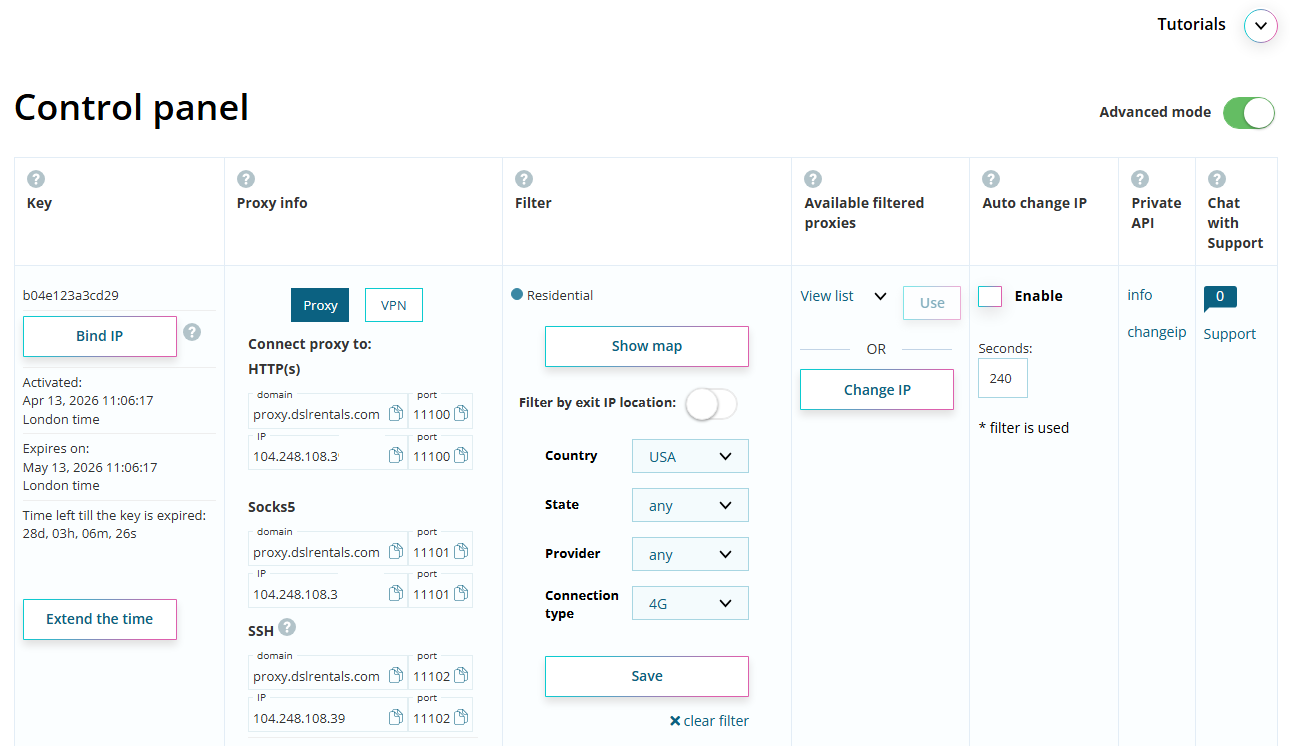
3 Reliable Alternatives to Socks5 Configurator for Browser Proxy Setup
In modern versions of Windows and Google Chrome, proxy configuration has become significantly more restricted compared to earlier environments. This is especially noticeable when working with SOCKS proxies at the browser or system level, where flexibility has been reduced due to security changes and browser architecture updates.
For many years, users relied on tools like Socks5 Configurator to simplify proxy routing. However, with changes in browser extension models and security policies, this tool is no longer a reliable option for modern workflows.
What is SOCKS5 and why it matters
SOCKS5 (Socket Secure version 5) is a low-level proxy protocol that operates at the transport layer (TCP/UDP). Unlike HTTP proxies, it does not interpret or modify traffic content — it simply forwards packets between the client and the destination server.
Key characteristics of SOCKS5:
- Works at a lower level than HTTP/HTTPS proxies
- Supports any type of traffic (browser, applications, automation tools, games)
- Supports authentication (username/password)
- Can handle both TCP and UDP connections
- Commonly used for automation, scraping, multi-account systems, and geo-routing
Because of this flexibility, SOCKS5 is widely used in environments where simple browser-based proxying is not enough.
Why Socks5 Configurator is no longer reliable
Although it was once a popular solution, Socks5 Configurator has several critical limitations in modern environments:
- Outdated architecture — no longer actively maintained and incompatible with modern browser extension standards such as Manifest V3
- Limited authentication support — often fails or lacks proper handling of SOCKS5 credentials
- No modern routing control — lacks advanced per-domain or rule-based proxy logic
- Privacy and stability risks — potential IP leaks via WebRTC or DNS bypass
- Poor compatibility with modern workflows — especially multi-profile or automation-based setups
As a result, users increasingly migrate toward more modern and actively maintained alternatives.
1. ZeroOmega
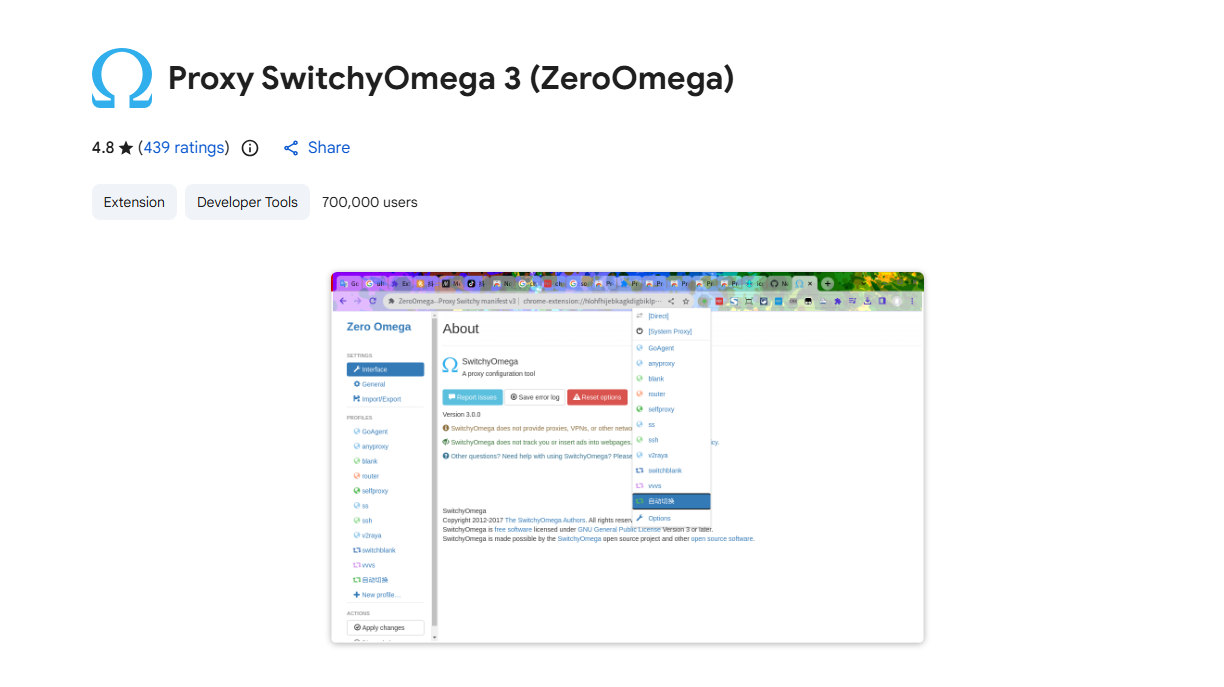
A worthy successor to SwitchyOmega, built with modern standards in mind.
Key advantages:
- Actively maintained and compatible with Manifest V3
- Advanced rule-based routing (per-domain, per-condition)
- Fast profile switching with no performance issues
- Open-source → transparency and trust
Best for: advanced users, automation, scraping, multi-account workflows.
2. FoxyProxy
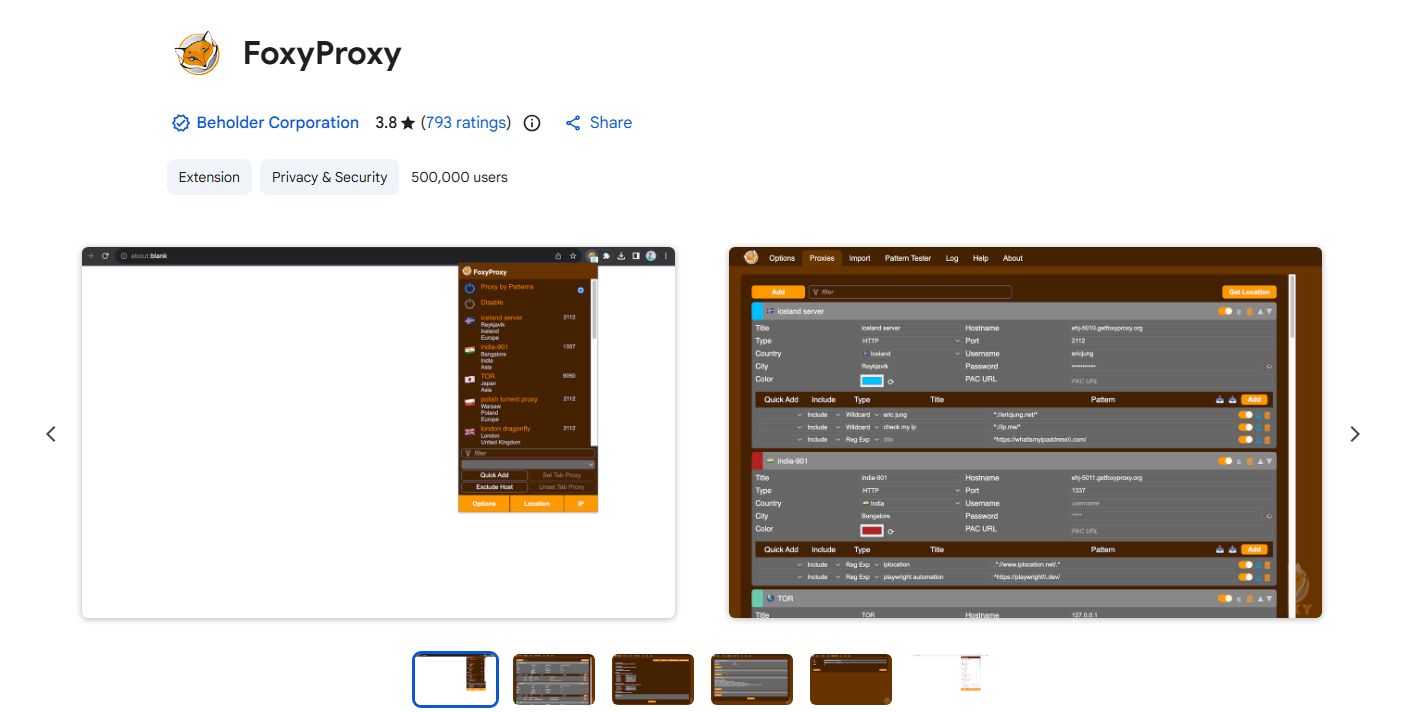
One of the most well-known and reliable proxy managers.
Key advantages:
- Full SOCKS5 authentication support
- Powerful URL filtering (regex, wildcards)
- стабильная работа даже с большим количеством правил
- no tracking, strong privacy reputation
Best for: professionals working with multiple proxy types and precise routing.
3. Proxy Helper
Minimalistic and beginner-friendly solution.
Key advantages:
- Extremely simple setup (IP + port in seconds)
- Lightweight — doesn’t slow down the browser
- Clean UI without unnecessary features
Best for: quick setups, beginners, single-proxy usage.
Additional Proxy Knowledge
To use these tools effectively, it’s important to understand how proxies actually work and where problems usually occur.
Types of Proxies
- SOCKS5
- Works on a lower level than HTTP
- Supports any traffic (not just web)
- Handles authentication
- Best for: automation, bots, scraping
- HTTP/HTTPS
- Works only with web traffic
- Faster for simple browsing
- Limited flexibility
Common Mistakes When Using Proxies
Even with good extensions, users often leak their real IP:
- WebRTC leaks (especially in Chrome)
- DNS leaks (requests bypass proxy)
- Using HTTP proxy instead of SOCKS5 unintentionally
- Mixing proxies with logged-in real accounts
Always:
- Disable WebRTC or use leak protection
- Test your proxy after setup
- Use separate browser profiles
How to Check If Your Proxy Works Correctly
After setup:
- Check your IP (should change)
- Test DNS (should match proxy location)
- No WebRTC leaks should be detected in browser tests
When to Use Proxy Extensions vs System Proxy
Use browser extensions when:
- You need per-site routing
- You run multiple accounts
- You want quick switching
Use system proxy when:
- You need full device routing
- You work with apps outside browser
- You run automation tools
Conclusion
Using outdated tools like Socks5 Configurator today is risky and inefficient.
Switching to modern solutions like:
- ZeroOmega
- FoxyProxy
- Proxy Helper
gives you:
- better security
- stable connections
- full SOCKS5 support
- no leaks
And most importantly — control over your traffic.
Reliable Proxy Infrastructure for Your Workflow
If you are looking for stable and high-performance proxy solutions, we provide access to a wide range of proxy servers designed for different use cases.
Our infrastructure includes multiple proxy types and protocols, including SOCKS5, as well as both mobile and residential proxies, allowing you to choose the most suitable option depending on your task — from automation and multi-account management to geo-testing and secure browsing.
All proxies are optimized for:
stable and low-latency connections
compatibility with modern tools and browsers
flexible configuration across different workflows
reliable authentication support
You can explore available options and manage your proxies here: https://panel.dslrentals.com